


Folmak Makine?
CompanyProduct Details:
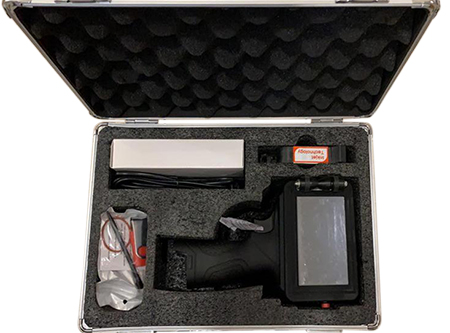
- After opening the box, put the battery in place properly.
- Remove the cartridge from the protection container and replace it before turning on the printer, and then push the cartridge latch toward the cartridge and secure it. If the cartridge does not fit properly, the fixing latch may be forced, check that the cartridge is fully in place again and push the cover.
- Turn on the printer with the red power-on button, the printer will turn on in 15 seconds.
- If there is an appropriate message name on the screen, you can proceed to production by pressing the PRINT button.
Selecting and printing messages from memory:
- Click on the CUR FILE box located at the top left of the screen.
- Select the suitable one from the message names that appear on the screen, click OK, and proceed to writing with the PRINT button.